Smart Klondike

Classic solitaire. Smarter when you need it.

Play a full game right here. When you want a deeper answer, Easy Solitaire can analyze the position you are actually playing—not replay a prerecorded solution.

Shuffling the cards…

Why Easy Solitaire

More than a hint. A smarter way through Klondike.

Enjoy the familiar game at your own pace, with position-aware help, exact sharing, and a history that makes every deal worth coming back to.

Position-aware solver

A fresh answer for the game you’re actually playing.

Choose your own moves. Easy Solitaire analyzes the current cards in front of you, then searches again as the position changes.

  • Auto Analysis checks the position in the background after each move
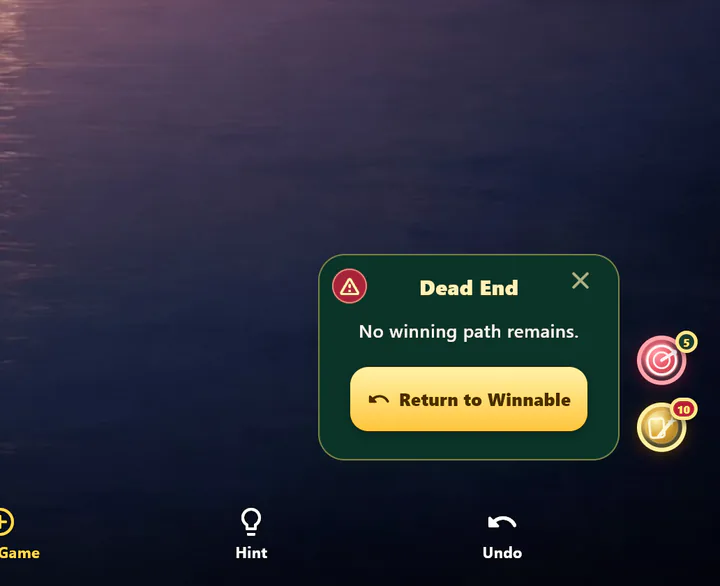
  • Dead-End Alert tells you when no winning path has been confirmed to remain
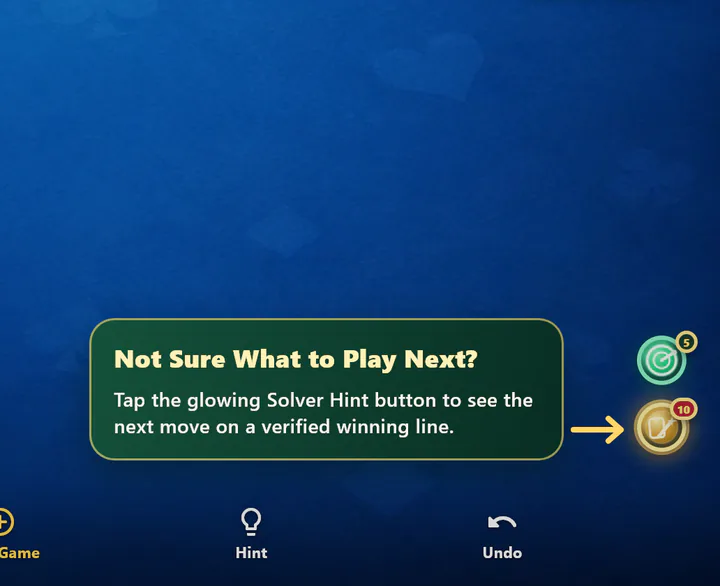
  • Solver Hint highlights the next playable move on a winning line
Precise sharing

Share the deal—or this exact position.

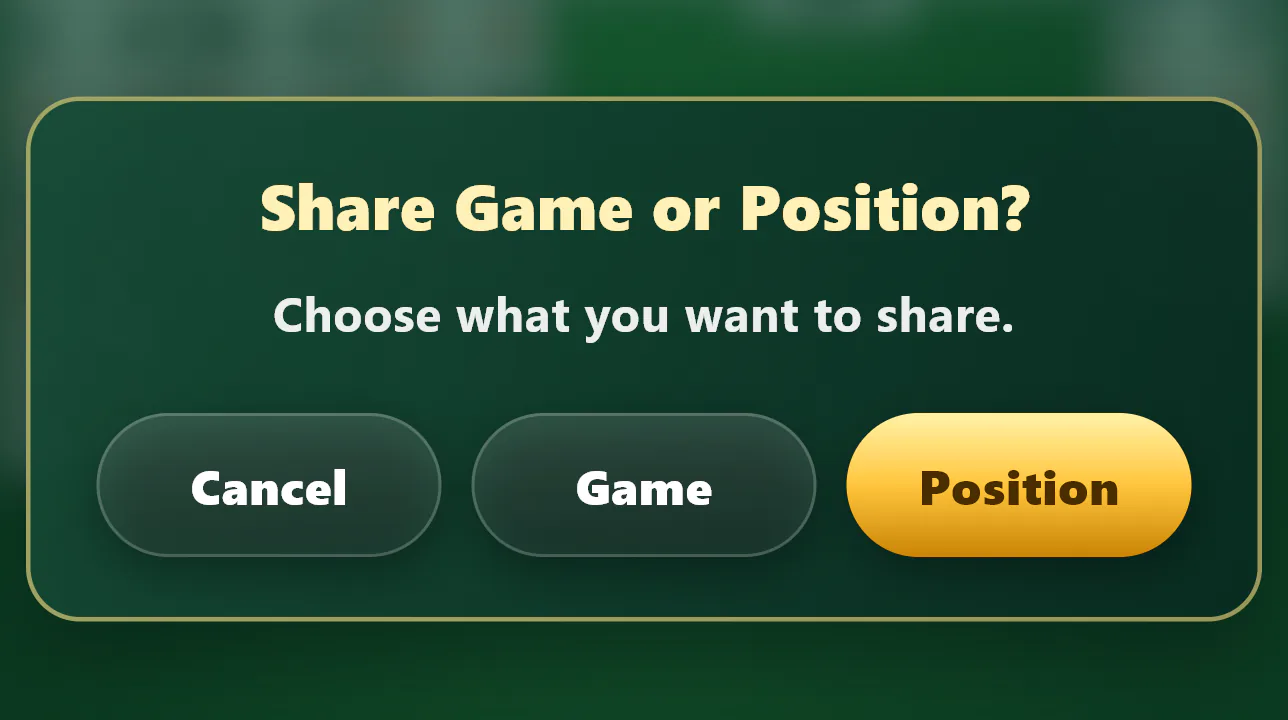
Invite someone to play the same deal by Game Number, share a Daily Challenge, or send a Position Code that recreates the complete mid-game state.

  • Game Number reproduces the same initial deal
  • Position Code preserves the exact cards and progress
  • Shared links open directly in the live web game

Game history

Leave the table. Keep your place.

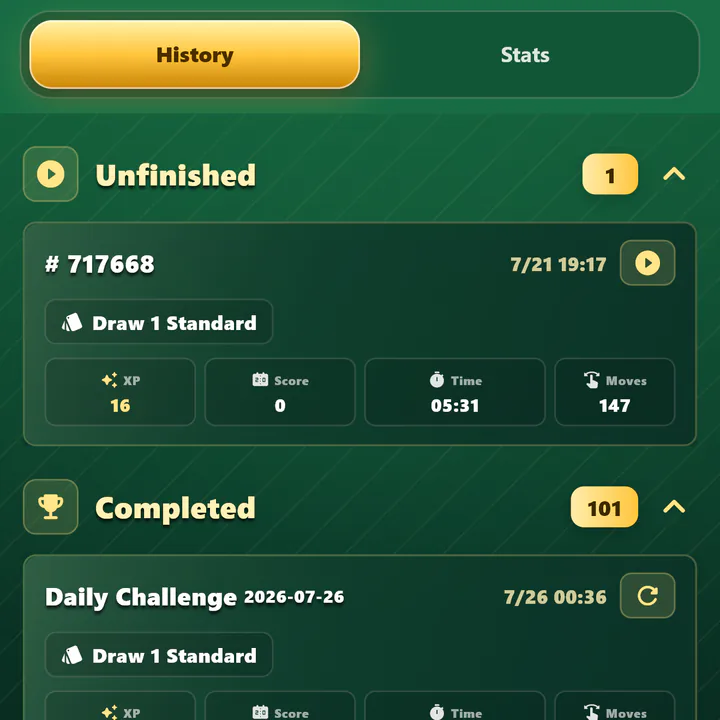
Every started game can remain useful. Resume an unfinished position later, or rechallenge a completed deal to improve your score, time, or moves.

  • Unfinished games resume with their undo history
  • Completed games restart from the same Game Number
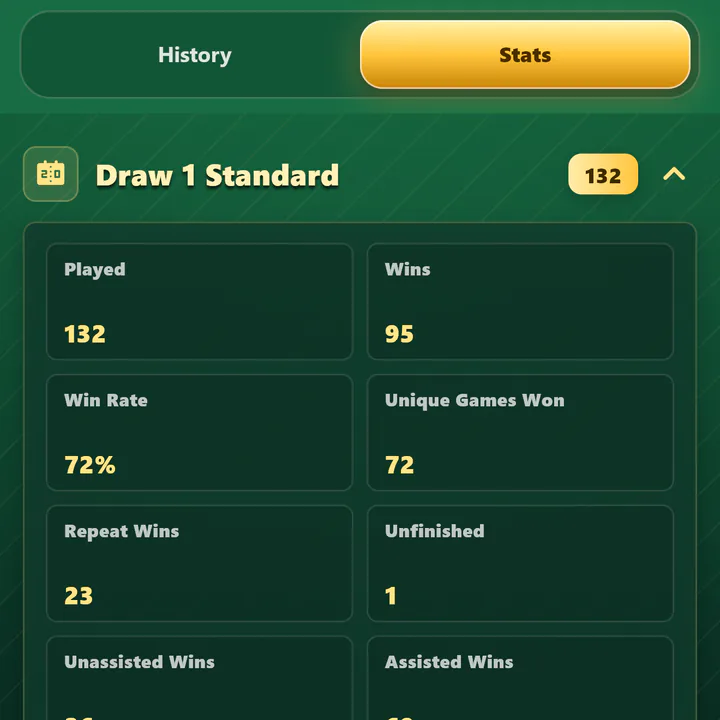
  • Personal bests, XP, levels, and rule-specific statistics stay together

Everything around the table

Built for a quick game—and a long-running habit.

01

Play your way

Draw 1 or Draw 3 with Standard, Vegas, or Vegas Cumulative scoring.

02

A new reason to return

Daily Challenges, six curated difficulty levels, and any Game Number you choose.

03

Less busywork

Unlimited regular hints, undo, safe Auto Foundation, and convenient Auto Completion.

04

Make the table yours

Choose card faces, backs, and backgrounds—including your own photos in the mobile app.

Solver features support Draw 1 and Draw 3 Standard games and Daily Challenges. Especially complex positions may occasionally remain unresolved within the selected analysis time.

New to Klondike?

Learn the table in a few minutes

Move all 52 cards to the four foundations. These six essentials are enough to start playing.

  1. Know the goal

    Build each foundation by suit from Ace through King.

  2. Read the table

    Seven tableau columns sit below the stock, waste, and four foundations.

  3. Build the tableau

    Place cards in descending order with alternating colors; move ordered runs together.

  4. Use empty columns

    Only a King, or a sequence led by a King, can move into an empty column.

  5. Work through the stock

    Play the top waste card after drawing one or three cards, depending on the mode.

  6. Reveal and finish

    Turn over hidden tableau cards and move every suit to its foundation to win.

Quick answers

Frequently asked questions

Can I play Easy Solitaire in my browser?

Yes. The game above is the complete Flutter version of Easy Solitaire, embedded directly in this website. No installation or account is required to start a game.

Can I replay or share a specific game?

Yes. A Game Number recreates the same initial deal. A Position Code goes further by preserving the exact current state of a game already in progress. Shared links open that deal or position in the live web game.

What makes Solver Hint different from a regular hint?

A regular hint quickly points to a useful legal move. Solver Hint is available after the solver finds a winning line from the current position, then highlights the next playable move on that line. You can still choose another move and analyze the new position again.

What does Auto Analysis do?

When enabled, Auto Analysis checks the current position in the background after each move. It distinguishes positions confirmed as winnable, confirmed dead ends, positions still being analyzed, and difficult positions that did not reach a conclusion within the selected time.

Which games support solver features?

Auto Analysis and Solver Hint support Draw 1 and Draw 3 Standard games and Daily Challenges. They do not currently support Vegas scoring. Especially complex positions may occasionally remain unresolved within the selected analysis time.

Is my progress synced between web and mobile?

No. Game progress, History, settings, and custom images are stored locally on each device. The native apps keep their own mobile History, and mobile purchases do not currently carry over to web or desktop.

Can I play offline?

Core play, local History, Game Numbers, Position Codes, and on-device solver analysis can work without a connection after the app and required resources are available. Store purchases, analytics when enabled, and opening shared web links may require network access.

What do the mobile apps add?

The native iOS and Android apps keep completed and unfinished games together in local History, support your own photos as themes, and can send optional Daily Challenge reminders. They also put Auto Analysis and Solver Hint in your pocket whenever you want a deeper answer.

Play here. Keep going anywhere.

Start another game in your browser, or bring History and the full mobile experience to iOS and Android.